
Behind the scenes of user testing
Welcome, dear curious reader, if you’re keen to discover what goes on behind the scenes of this crucial step: the first user tests we organized at SafeKeeper, on Saturday March 22, 2025.
In this article, I’m going to share with you the 10 steps that helped me see this adventure through. You’ll find our successes, our failures, what we loved… and what we liked less.
Make yourself comfortable, and if at the end you’d like to chat, or join the adventure: marie@safekeeper.fr ✉️
1️⃣ Setting the date & the version
The very first step was to set a specific date: a day and a time when we could bring together around thirty people to test our app’s MVP.
This step is much more strategic than it looks. For example, if we’d chosen a Monday at 8:30 am, recruiting would have been much harder. We needed a date close enough to keep the development momentum going, but not too close, to avoid adding features our users hadn’t validated (and which are expensive to remove).
It’s like architecture: if you start putting up load-bearing walls before you’ve validated the plans with your client… good luck tearing it all down afterwards (if that’s even still possible). And in development, it’s the same: every unvalidated addition can quickly become a costly trap. Hence the importance of iterating quickly, but smartly.
So we chose Saturday 22 March, from 5:30 pm. Why that date? Because on Saturday late afternoon, people are generally available and more relaxed.
Once that date was set in stone (or almost), one big question remained: when do we freeze the version?
And that’s where it gets complicated. You’re always torn between wanting to add “cool” features and needing to meet deadlines. This dilemma was all the stronger because it was our first release on the Android and iOS stores. And of course, skipping one or the other was out of the question.
We also had to anticipate the possibility of making fixes on the day itself, in case of blocking bugs, and therefore avoid having branches too far from the main trunk. A real balancing act.
But in the end, we agreed on a version. We gritted our teeth, crossed our fingers, and… it worked!
2️⃣ Selecting the testers
This step was essential (well, you’ll see, they all are 😄).
We needed a diverse panel: young people, not-so-young people, iOS users, Android users, tech profiles… but above all non-tech profiles!
So we invited testers aged 19 to 64, with very varied jobs: language students, doctors, surgeons, project managers, talented designers, developers, teachers, craftspeople, assistants, accountants, experts from banking, pharmaceuticals and retail. A rich and representative panel, which let us test the app in near-real conditions.
A huge thank you to everyone who agreed to play along 🙏
Quick tip 1:
I created an Excel file with the essential info: last name, first name, age, OS, job, phone number. And as each participant arrived, I checked that I had filled everything in.
Quick tip 2:
Once the list was validated, I created a WhatsApp group so I could easily talk with them.
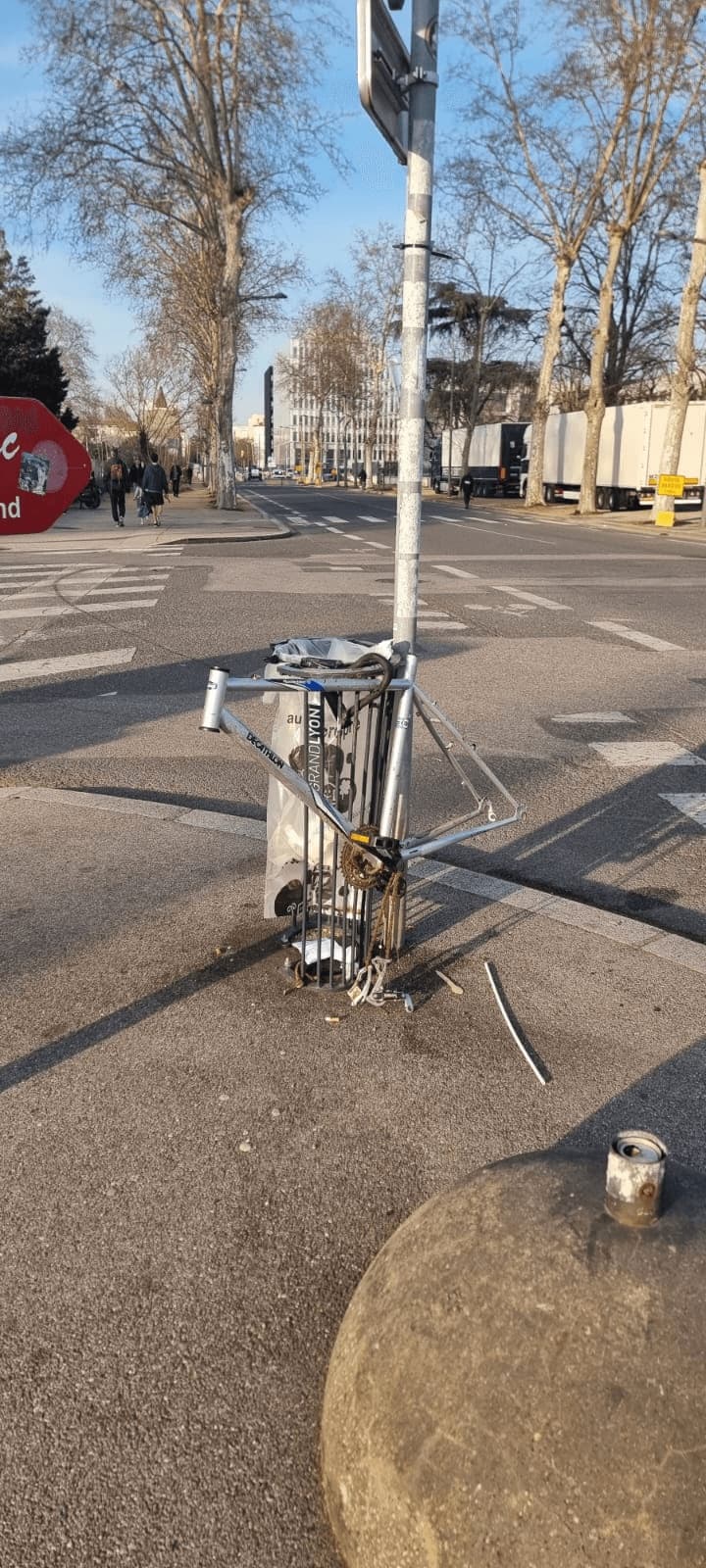
And my own little moment of joy? When a tester posted a photo in the group with the hashtag:
#plusjamaisça 💀
3️⃣ The format: making the test fun and smooth
Let’s get to the heart of the experience: how do you get participants to test the app in a way that’s playful, engaging and as independent as possible?
That’s how the idea for the game was born: “T’es Safe ou tu Keep?”
So we defined three roles:
- Keepers: those who look after the vehicles
- Travelers: those looking to have their vehicle looked after
- Keepers & Travelers: for the most versatile
Next, each participant had to choose their ride:
Gravel, e-scooter, e-bike, cargo bike.
Then we defined the game’s iconic locations:
Le Ramblers, Antonio & Marco, Calicéo, le Wojo…
For each location, I’d planned fictional addresses where Keepers could be.
Finally, to liven up the game, we added special action cards:
Decline a booking, accept a booking, cancel a booking…
And THE rule of the game: being able to keep a vehicle or have one kept, while spotting bugs or ideas for improvement.
4️⃣ Creating a real card game
Having the idea for a game is great.
But when you bring it to life with physical cards, it’s instantly much more immersive.
So I decided to create a real card game, with a visual world to help testers find their way in their role.
At first? Honestly, it was ugly. It was clear that my graphic design talents only existed in my imagination 😅
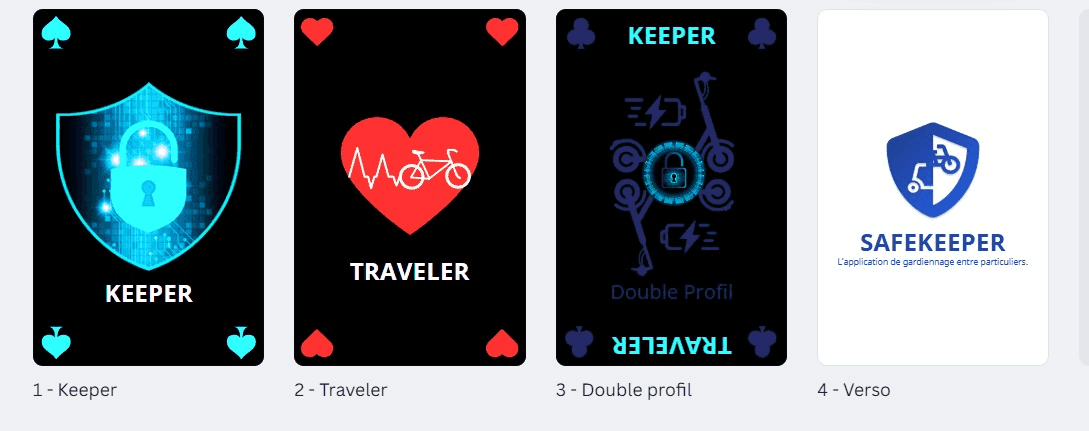
But after quite a bit of work, and thanks to Canva and Gepetto, the card game took shape:
- Role cards
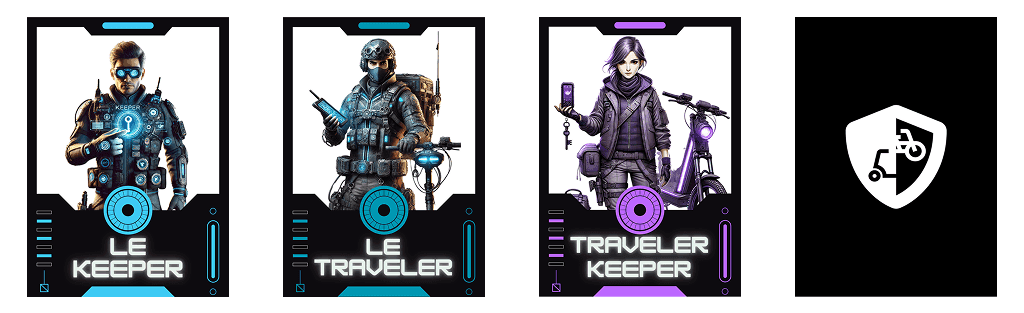
- Ride cards
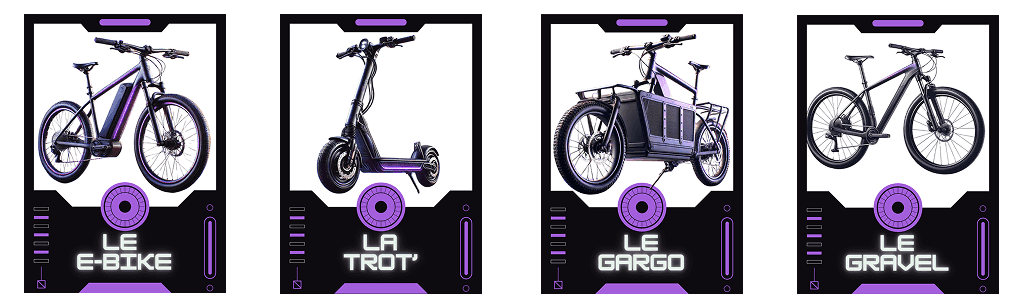
- Action cards
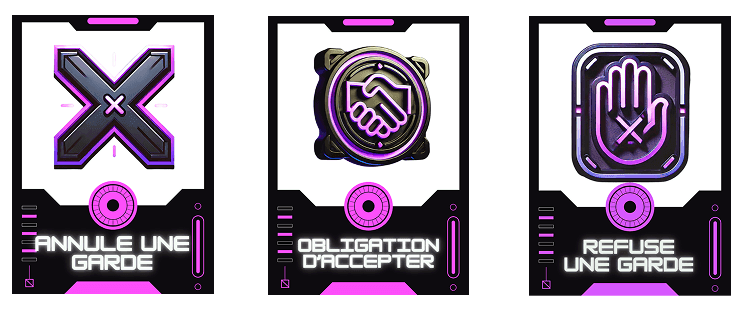
And honestly, it wasn’t bad at all! The testers loved having this visual aid in hand, and it really made the scenario easier to understand.
5️⃣ Printing: between dream and reality
Once the game was finalized, I secretly dreamed of having the cards printed poker-style, with a nice matte finish, rounded corners...
But budget reality soon caught up with me. Even a few hundred euros, at this stage, was too much.
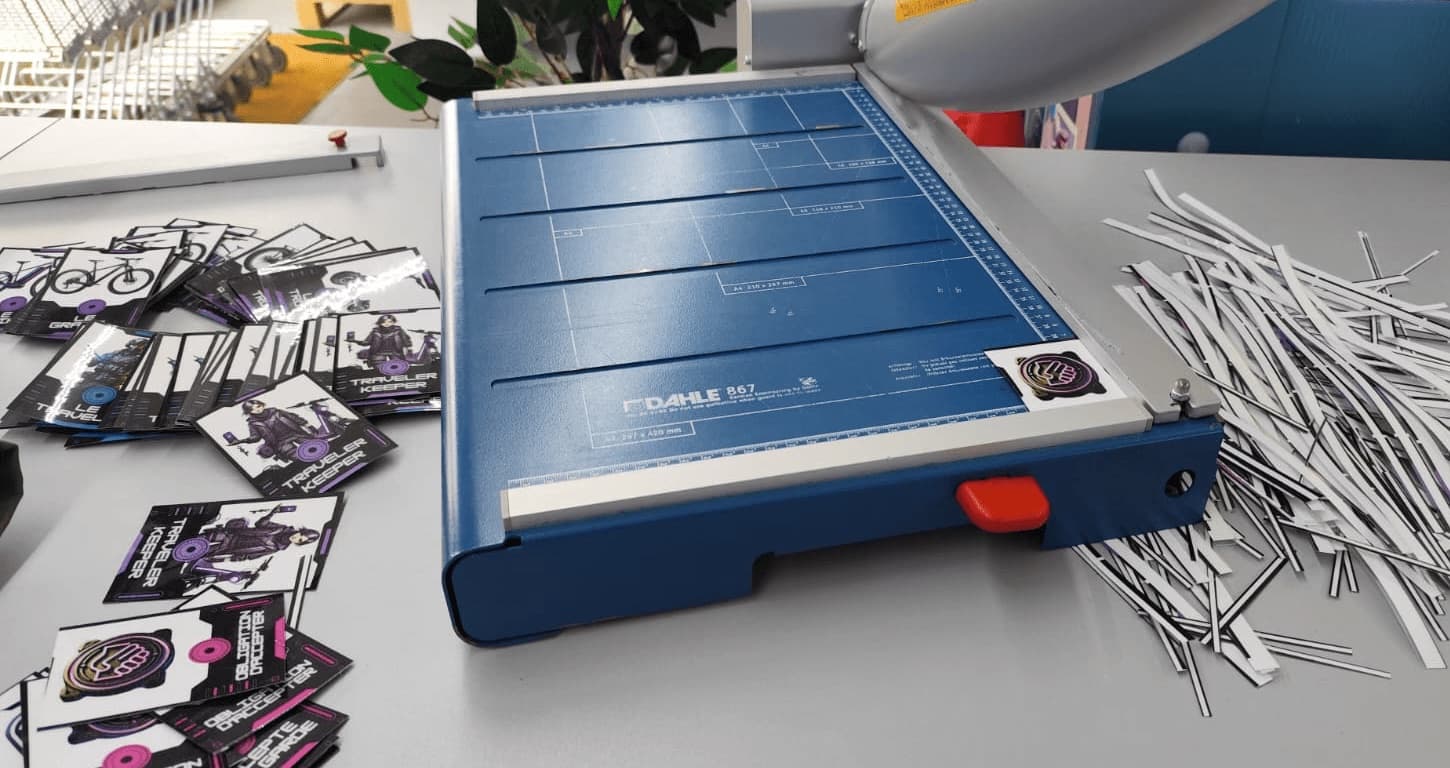
So I took the classic route: Bureau Vallée, paper printing, a laminator, a guillotine cutter. A good old homemade crafting session, like in the good old days of event planning.
Spoiler: it was long. Very long. Allow at least 1h30 to print, laminate and cut everything. But what a satisfying result!
6️⃣ Logistics prep (aka the Top Chef moment)
This is clearly my thing: thinking of everything, planning every detail.
And this time, I had to prepare a buffet-style aperitif for 30 people: savoury, sweet, drinks… with love, of course! 🧁🥪🍹
Grandma’s punch (in quantity), homemade orangeade, homemade iced tea… everything was homemade, even the puff pastry. Which means: resting time, cooking timing, organization down to the minute.
The verdict: about 1.5 days of cooking, a well-oiled to-do list, and a lot of joy in sharing.
7️⃣ Organization (where it really counts)
When you organize an event, the basis is the road book: a document with the key info (who? when? what? where?). Just this first page shared with the team saves you a crazy amount of time.
Well, in this case, there were two of us. So it was more of a spoken version of the road book:
“When the testers arrive, what do you do? And what do I do?”
But once the roles were split, we knew who was handling what. And that helped us keep a cool head when the unexpected happened.
8️⃣ The big day (spoiler: it was intense!)
Everything was ready at 5:25 pm.
At 5:32 pm, the first testers arrived. And then… fireworks!
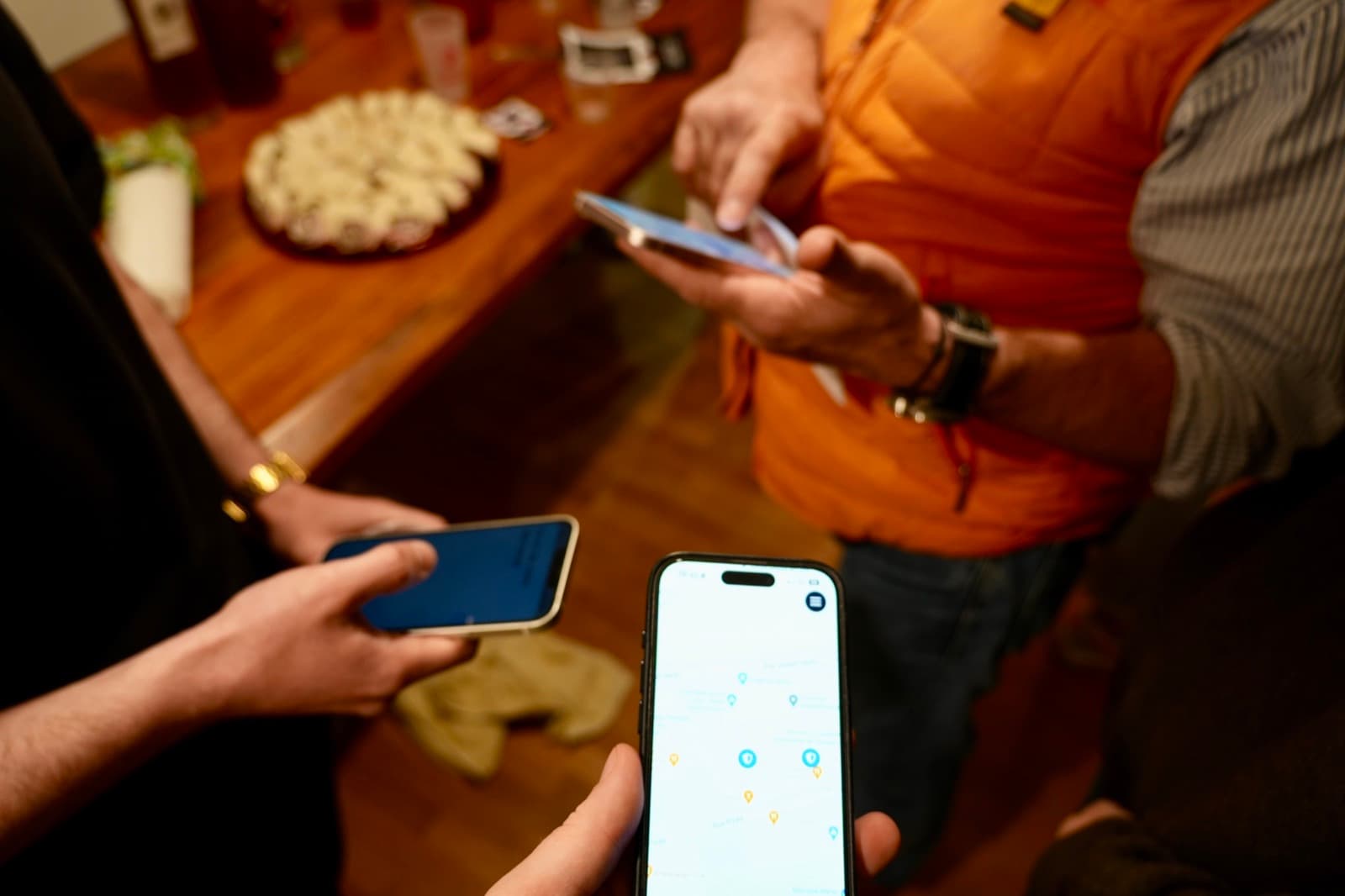
People who couldn’t remember their store password, stubborn phones, bugs (of course), questions flying in every direction, the aperitif to manage, the rules of the game to explain, latecomers to welcome…
It was intense. Really.
But our testers were amazing: some naturally took the lead of a small group, others were perfectly independent, two even offered to take photos 📸
And the best part: the conversations after the tests. Many were delighted to be able to contribute to an app under construction. Some were even discovering the behind-the-scenes of development for the first time. It warmed our hearts ❤️
9️⃣ The immediate debriefs
Our immediate debrief? Just one word: Wow.
Yes, 27 people at the same time for 2 organizers is way too many.
But we survived. And everyone had a great time.
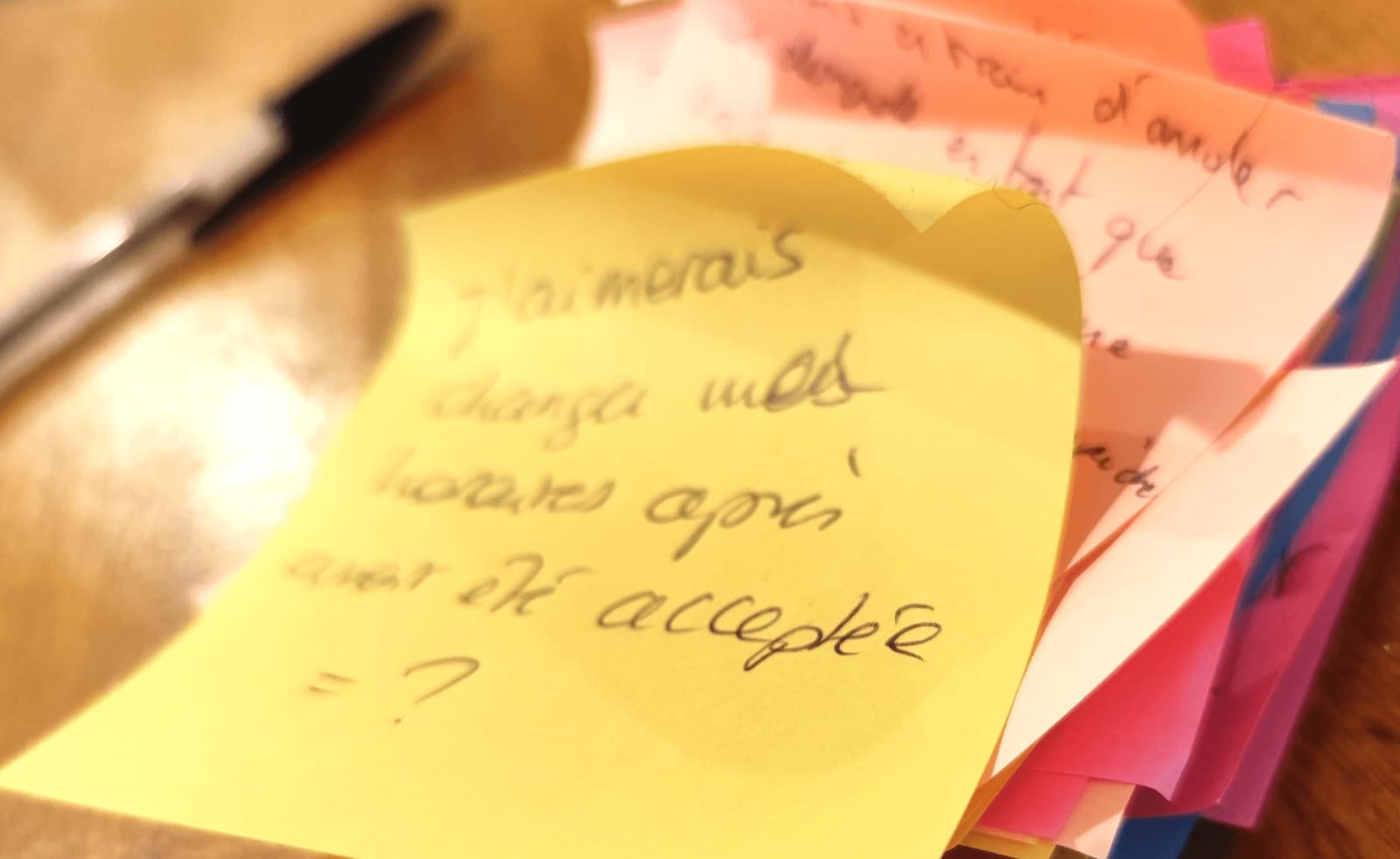
Post-its were our best allies for collecting feedback: no technical skills needed, everyone could take part freely.
A few figures from the evening:
- 🐞 40 “bug” Post-its → 36 confirmed → 2 important but not blocking
- 💡 64 “improvement” Post-its → 35 to analyse (the rest = duplicates)
- 👀 6 UX points
- ❓ 6 serious questions
- 📬 126 emails (no spam = victory)
🔟 Sorting & roadmap
Last step: sort, prioritize, plan.
We put all the feedback into our project management tool. Then we qualified each point: real bug or user error? Urgent or not?
Same for the improvement requests: launch MVP or upcoming feature?
For example: a schedule was requested a lot. But it would take weeks of work. So for now, we’re focusing on stability and performance.
It’s not an easy exercise, but it’s necessary.
What now? 🚀
Time to develop the version that will go into production!
And if you’d like to join our next round of testing, we’re looking for 10 new testers.
👉 Write to me at marie@safekeeper.fr
Once again, a huge thank you to all the participants, to our community, and to everyone who believes in SafeKeeper. It’s thanks to you that we keep moving forward. 💛